
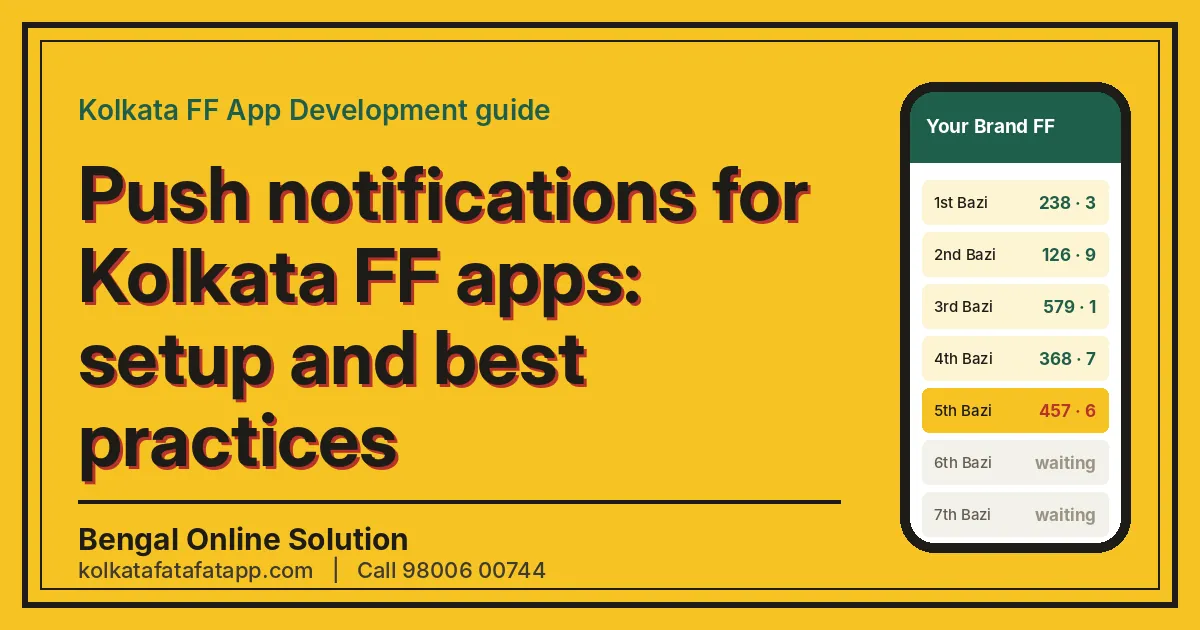
For most users, the push notification is the Kolkata FF app. They do not open it to browse; they open it because a result alert told them a bazi has been published. Get notifications right and users keep your app for years. Get them wrong and they switch them off, or uninstall. Here is how they work and how to do them well.
How push notifications work
Almost every Android app uses Firebase Cloud Messaging (FCM), Google's free service for sending notifications. The flow is simple:
- When a user installs your app, it registers with FCM.
- The app subscribes to topics, such as "all results" or "5th bazi".
- When you publish a result in the admin panel, your server sends one message to the topic.
- FCM delivers it to every phone subscribed to that topic.
Topics matter for a Kolkata FF app because your server sends one message instead of thousands, so publishing stays fast even as your user base grows. For very large audiences, test delivery times at your real user count, because fan-out to many devices can take a little longer than a message to a single phone.
Setup checklist
Your developer should cover each of these:
- A Firebase project owned by your business account, not the developer's personal one
- Notification channels, which Android has required since version 8, so users can control result alerts separately from your announcements
- The notification permission prompt for Android 13 and later, which asks users before an app can post notifications
- High priority for result alerts, so they arrive promptly
- Automatic sending on publish, triggered by the admin panel
- A queue on the server, so the admin panel never freezes while messages go out
- Delivery reports in the admin panel
Asking for permission the right way
Since Android 13, users must agree before your app can send notifications. Ask at the right moment: after the first screen has shown its value, with a short explanation such as "Get a notification the moment each bazi result is published". Users who understand why say yes far more often than users hit with a prompt on launch.
Writing a good result alert
A result alert should be readable in one glance on a lock screen:
- Title: "5th Bazi result"
- Text: "457 · 6. Next bazi at 5:30 PM."
Keep the brand in the app icon, not the text. Avoid exclamation marks, emojis in every message and anything that sounds like hype.
Let users choose
Give users a settings screen where they can choose which bazi alerts they want, and whether they want your announcements. Behind the scenes, each choice is a topic subscription. Users who can turn off a few alerts are far less likely to turn off all of them.
Timing and frequency
- Send result alerts immediately after publishing. Speed is the whole point.
- Keep your own messages rare. One announcement a day at most, and never in the minutes around a result.
- Respect quiet hours. Avoid announcements late at night.
- Never send a correction silently. If you correct a result, send a short, clear correction notice.
Battery savers and late notifications
Some phone brands aggressively stop background apps to save battery, which can delay notifications. Your app can help by:
- using high priority for result alerts
- showing a one-time guide asking users to allow the app to run in the background on phones known for this behaviour
- refreshing results whenever the app is opened, so a missed alert never means a missed result
Measuring what works
Your admin panel should show how many devices each notification reached and, ideally, how many users opened the app afterwards. Watch for drops in reach; they often mean users are switching notifications off and your messages need rethinking.
Built into every app we make
Automatic result alerts, user preferences, notification channels and delivery reports are part of our Kolkata FF result app development and admin panel work. See the full feature checklist for everything else a good app needs.
Frequently asked questions
Do push notifications cost money?
Firebase Cloud Messaging has no per-message charge. Your costs are the developer time to set it up and the server that triggers the messages.
Why do some users get notifications late?
Usually because their phone's battery saver restricts background apps. The app can guide users to allow it, and high-priority result alerts help.