
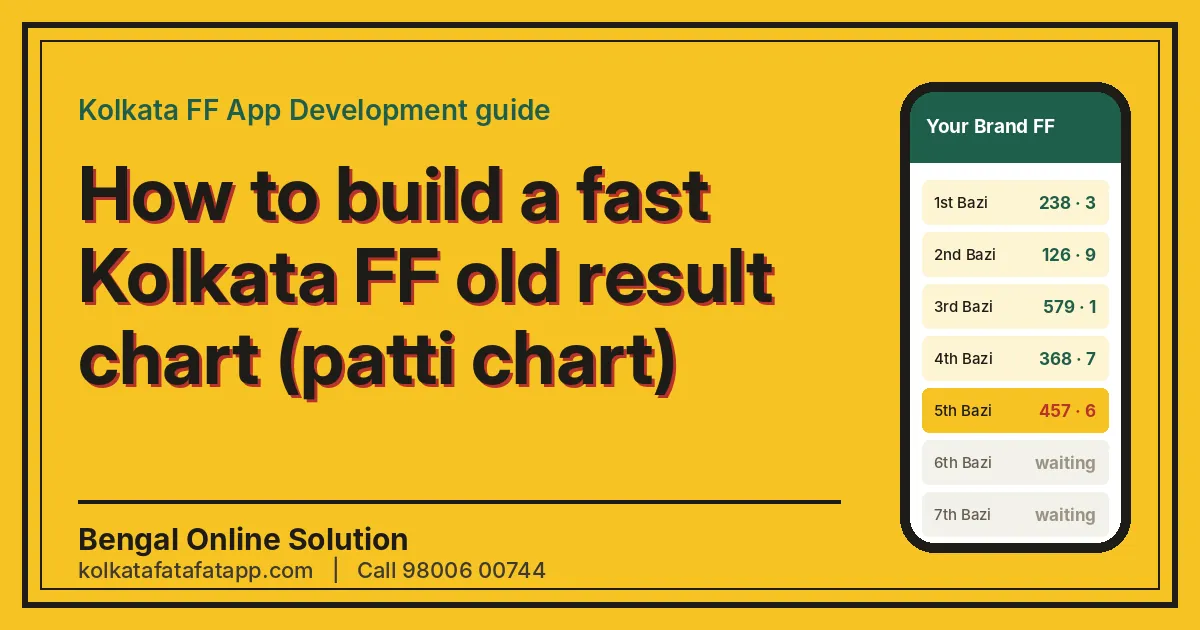
After today's results, the old result chart is the most used screen in any Kolkata FF app or website. Users check it to look back at past days and to confirm what they saw earlier. A chart that is slow, cluttered or wrong on a phone drives users away. Here is how to build one properly, for both the app and the website.
What users want from a chart
Watch people use a Kolkata FF chart and the needs are clear:
- see a whole month at a glance
- jump straight to a specific date
- read the patti and number clearly on a small screen
- trust that the chart matches today's results exactly
Everything below serves those four needs.
Store results simply
The data behind a chart is small and simple. Each result needs only a few fields:
| Field | Example | Notes |
|---|---|---|
| Date | 2026-10-17 | The day of the result |
| Bazi | 5 | The round number |
| Patti | 457 | Three digits |
| Number | 6 | Last digit of the patti's digit sum |
| Published at | 16:01 | When it went live |
| Published by | staff account | For the activity log |
Store each result once. The app, website and chart all read from the same place, so they can never disagree. Validate on the way in: the number should always match the patti, which catches typing mistakes before they go live.
Lay it out for phones
A chart is a table: dates down the side, bazi rounds across the top. On a phone, eight columns is a lot, so:
- show the patti on top and the number below in each cell, rather than side by side
- keep the date column fixed while users scroll sideways
- use clear contrast and a readable font size, as many users are older
- mark holidays and closed days clearly rather than leaving blank cells
Use real HTML table headers on the website. They help screen readers and help search engines understand the data.
Make it fast
A chart page can hold hundreds of results. To keep it fast:
- Load by month. Show the current month first and load older months on request.
- Render on the server. Send finished HTML for the website, not a blank page that fills in with JavaScript.
- Cache aggressively. Past months never change unless corrected, so they can be cached for a long time.
- Clear the cache on correction. When a result is corrected, clear only the affected month.
- Keep pages light. No heavy themes, sliders or pop-ups on the chart page.
In the app, keep recent months on the phone so the chart opens instantly, even offline.
Build chart pages for search
On the website, chart pages can bring steady search traffic if they are built well:
- One page per month, with a clear title such as "Kolkata FF old result chart, October 2026"
- A short, unique introduction on each page
- Links between months and back to today's results
- Clean addresses such as
/chart/2026/10/ - No thousands of thin daily pages, which Google treats as low-value content
Our guide to SEO for Kolkata FF websites covers the wider strategy.
Handle corrections openly
Mistakes happen. When a result is corrected:
- update it once in the admin panel
- let the system update the app, website and chart together
- record the correction in the activity log
- consider a short correction notice to users
Quiet, unexplained changes damage trust more than an honest correction does.
Getting a chart built
Fast, accurate charts are part of our Kolkata FF result app development and Kolkata Fatafat website development services, run from the same admin panel you use to publish results.
Frequently asked questions
Should every day have its own page?
Usually not. Thousands of near-identical daily pages are thin content in Google's eyes. Monthly chart pages with a date search work better for users and search engines.
How do I fix a wrong result in the chart?
Correct it once in the admin panel. A good system clears the cache so the app, website and chart all show the corrected result together.